
Does Turnitin Detect ChatGPT in Canvas Assignments?
Canvas itself is not an AI detector. Turnitin may run when your school enables it. Similarity and AI are different reports. Short posts are noisy; long essays get clearer signals.
Students search this because the upload button says Canvas, the panic says ChatGPT, and the email from the instructor mentions Turnitin. Those are three different systems.
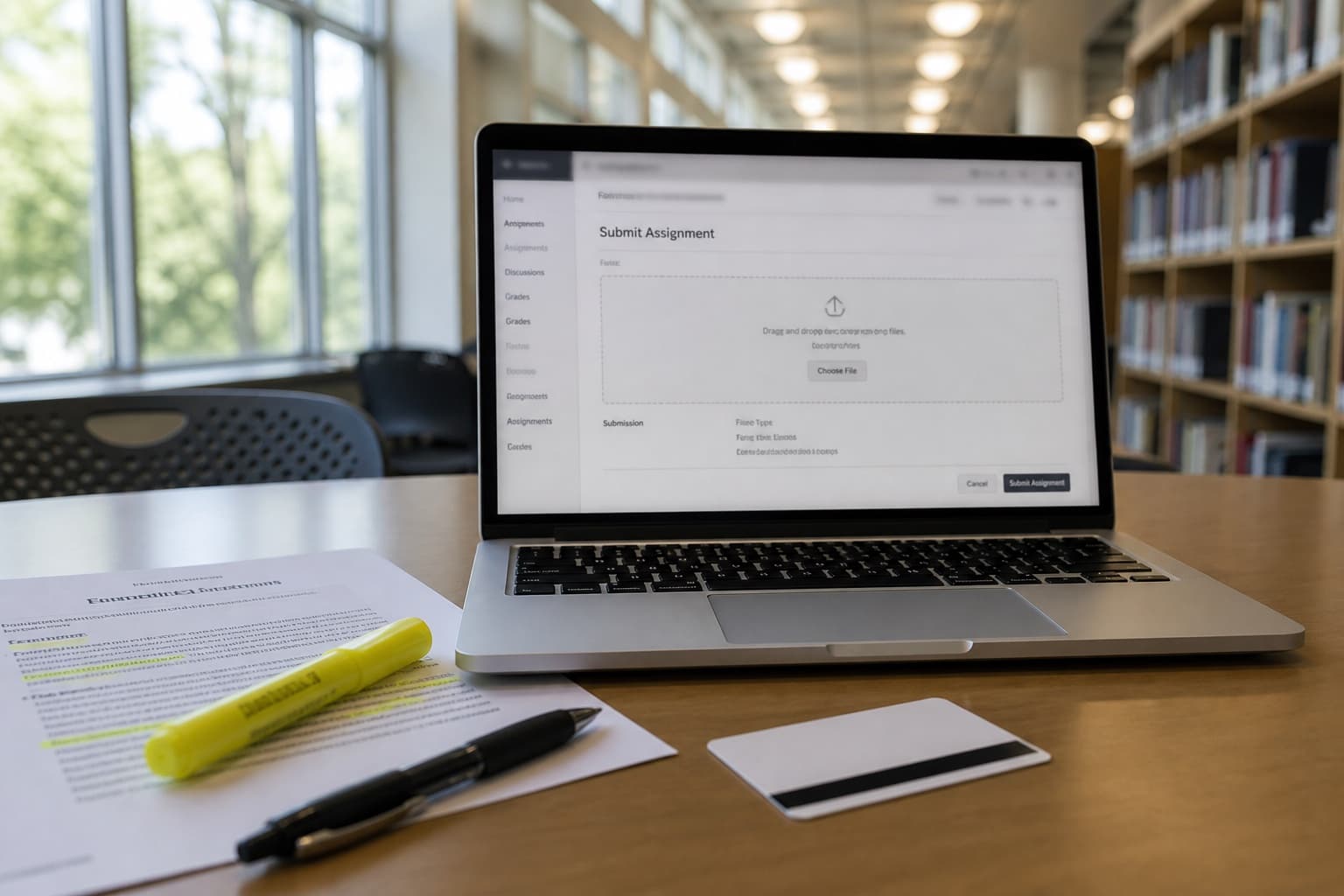
Canvas does not detect AI. It is the homework dropbox. Turnitin (or another tool) may sit behind the dropbox if your school paid for it and the instructor turned it on. Similarity and AI writing are still two reports. Confusing them is how people misread a green bar.
Core Turnitin mechanics: Turnitin AI Detection Explained. Short Canvas posts: How to Humanize AI Discussion Posts.
What actually runs when you click Submit
| Layer | Job |
|---|---|
| Canvas (or Blackboard, Moodle) | Stores the file, due date, gradebook |
| Turnitin (optional) | Similarity index; optional AI writing indicator |
| Instructor | Policy, oral follow-up, comparison to prior work |
If there is no Turnitin icon, originality report, or AI percentage after grading opens, you may only have Canvas. Do not invent a detector that is not there. Do not assume the opposite either: some schools hide student-facing AI scores while faculty still see them.
Similarity vs AI on an LMS upload
Same split as the main Turnitin guide:
| Report | Question | Typical Canvas surprise |
|---|---|---|
| Similarity | Matches published text or other papers? | High quote blocks; shared lab templates |
| AI writing | Looks like LLM prose? | Smooth ChatGPT paste with low similarity |
You can have low similarity and high AI. That is the classic ChatGPT essay that never stole a paragraph. You can also have high similarity and low AI from honest quoting without citation. Fix the report you actually have.
Short vs long Canvas work
| Assignment | Detector behavior | Human review |
|---|---|---|
| 150–300 word discussion | Noisy AI %; still can flag | Peers and instructors notice voice fast |
| Quiz essay box | Short sample; unreliable alone | Often graded by hand |
| 1,500+ word paper upload | Clearer AI signal when enabled | Draft history and office hours matter |
| Group file | One AI paragraph can stand out | Who wrote which section |
For short posts, do not chase a percentage. Add one class-specific sentence and match your usual voice. Details: discussion posts.
How to tell if Turnitin is on this assignment
- Open the assignment before the deadline. Look for Turnitin, originality, or similarity language.
- After a practice or early submit (if allowed), see whether a report appears.
- Read the syllabus: some courses name Turnitin once and enable it only on the term paper.
- Ask: "Will this upload generate a similarity report, an AI indicator, both, or neither?"
Guessing from a TikTok screenshot of another school wastes a week.
What to do before you upload
- Know the AI rule for this course.
- Lock facts and citations. Delete invented sources.
- Add one detail only someone in the class would write.
- If editing help is allowed and the prose is still stiff, one Human Writes pass on body paragraphs.
- Recheck meaning. Do not run five rewriters.
- Disclose if required.
- Keep drafts. Process questions beat a percentage (how teachers spot AI homework).
Bottom line
Canvas is the door. Turnitin is optional furniture behind it. Similarity is not AI. Short posts are noisy. Human Writes is a voice pass after the work is yours, not a Canvas bypass.
Paste stiff long-form paragraphs on Human Writes when the syllabus allows editing help and the sources are locked.