
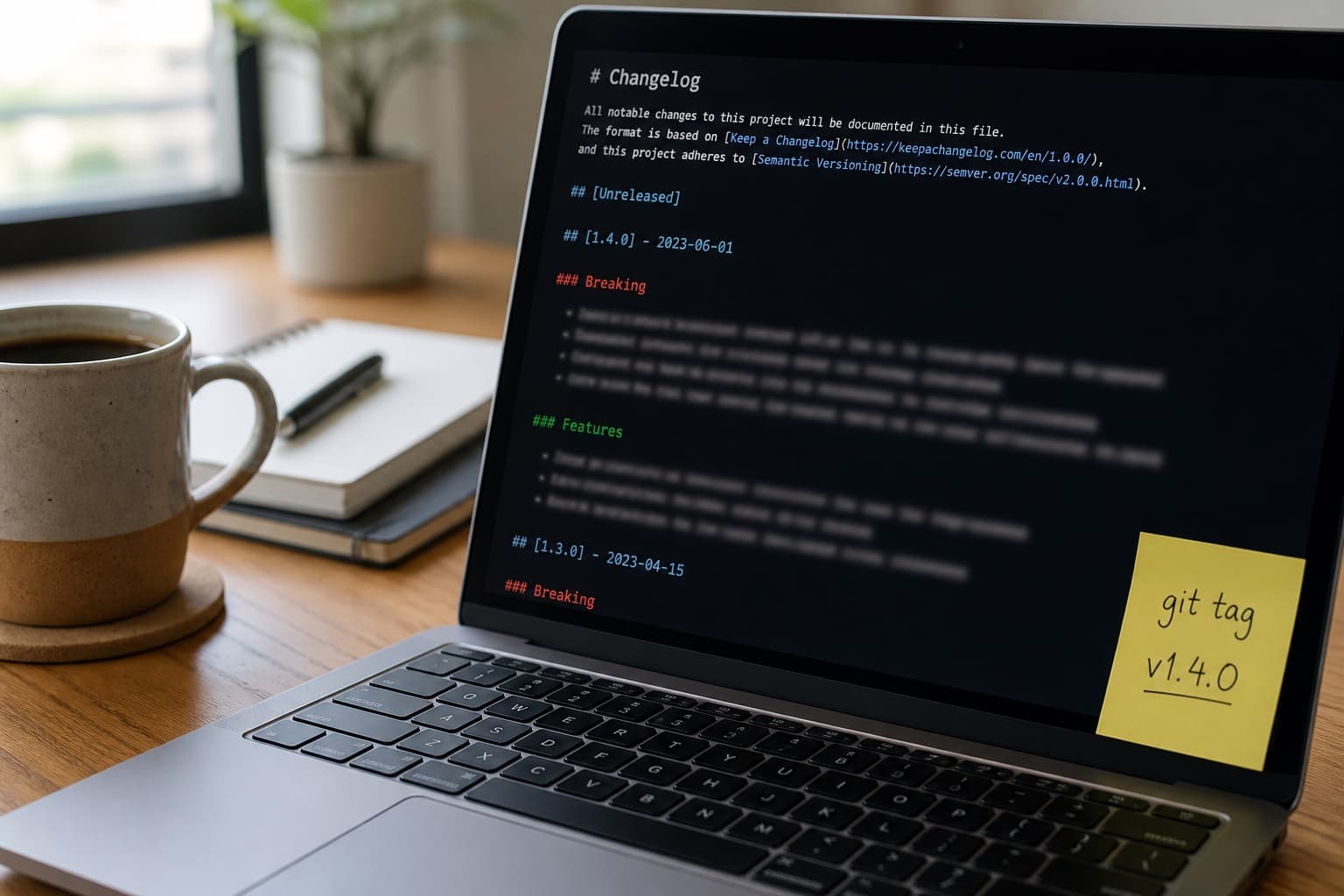
How to Humanize a Developer Changelog After ChatGPT
ChatGPT changelogs blur breaking changes with features and invent migration steps. Lock semver tags, breaking bullets, and migration commands first. Humanize intro prose once–not version numbers or API diffs.
Developer changelogs are read at upgrade time with one question: what breaks if I bump this version today?
ChatGPT changelogs answer with feature marketing: every line sounds like a launch post. Breaking changes hide in the middle. Migration steps reference flags that do not exist.
Human Writes is the voice pass after semver, breaking bullets, and migration commands are locked. It does not invent a major bump you did not ship.
Related: product marketing copy (user-facing angle), humanize API docs, pull request descriptions, humanize README.
What integrators punish
| Element | Weak AI changelog | Strong developer changelog |
|---|---|---|
| Breaking | Buried under "improvements" | Top section; semver major if needed |
| Migration | "Update your configuration" | Exact command, env var, or code diff |
| Features | Vague "enhanced performance" | PR-linked behavior change |
| Deprecations | Missing | Date removed + replacement |
| Versions | Wrong tag | Matches git tag and package registry |
Teams pin versions when changelogs lie. Trust beats tone.
Breaking vs feature vs fix
Use a consistent taxonomy before any model:
| Type | Semver signal | Changelog section | Example |
|---|---|---|---|
| Breaking | MAJOR | ### Breaking first | Removed v1/users endpoint |
| Feature | MINOR | ### Added | Optional locale query param |
| Fix | PATCH | ### Fixed | Race on webhook retry |
| Deprecated | MINOR + notice | ### Deprecated | legacy_auth removed in v3 |
If it breaks a documented integration without a major bump, you are shipping surprise, not semver.
Lock the diff before ChatGPT
Export from git or your release bot:
git log v2.3.0..v2.4.0 --oneline
# Paste breaking PR bodies and migration notes from reviewers
Build a release fact table:
| Field | Your answer (from repo only) |
|---|---|
| Version | e.g. 2.4.0 |
| Breaking | Bullet list with PR links |
| Migration | Commands or config diffs that worked in CI |
| Added | New APIs, flags, defaults |
| Fixed | User-visible bugs worth noting |
| Deprecated | What and when it goes away |
Prompt: "Format this table as a Keep a Changelog-style entry. Do not add endpoints, env vars, or version numbers not in the table."
Changelog vs release notes
| Developer changelog | User-facing release notes |
|---|---|
| Semver, breaking, migration | Benefits in plain language |
| Links to PRs and docs | Screenshots optional |
| Audience: integrators and SREs | Audience: end users |
| Accuracy over marketing | Shorter; fewer internals |
Ship both from the same fact table. Humanize user-facing release copy separately–see product marketing copy.
| Section | Humanize? | Why |
|---|---|---|
| Version tags and dates | No | Must match registry |
| Breaking bullets | Light pass | Wording only; facts sacred |
| Migration commands | No | Copy-paste must work |
| Intro paragraph | One pass | AI loves "excited to announce" |
| PR links and authors | No | Attribution |
Before and after
AI changelog intro:
We are thrilled to announce version 2.4.0 with exciting improvements that enhance developer experience and platform stability. This release includes numerous bug fixes and performance optimizations.
After fact table + one humanize pass:
2.4.0 is a minor release with one breaking change:
POST /v1/humanizenow requiresContent-Type: application/json. Migrate by adding the header–see snippet below. New: optionaldialectparam (defaultus). Fixed: timeout on payloads over 50k tokens.
Second version states semver impact, breaking first, and action.
Workflow
- Tag only after CI green on the release branch.
- List breaking PRs from review labels–not from memory.
- Run migration steps in a scratch project; paste working commands.
- Draft changelog from the fact table.
- One Human Writes pass on intro and non-breaking descriptions.
- Link to updated API doc anchors for each breaking item.
- Publish changelog and release notes from the same source commit.
For PR-level discipline upstream, see humanize pull request description.
What not to do
- Hide breaking changes under "Internal" or "Misc."
- Humanize until endpoint paths or env var names change.
- Ship migration steps you did not run.
- Duplicate the git log verbatim with no grouping.
- Let marketing tone overwrite semver honesty.
Bottom line
Developer changelogs win on breaking-first clarity: correct version, migration that runs, and features separated from fixes. Human Writes is the voice pass after the diff is true.
Paste stiff intro paragraphs on Human Writes when every version tag matches the release you would ship to npm.