
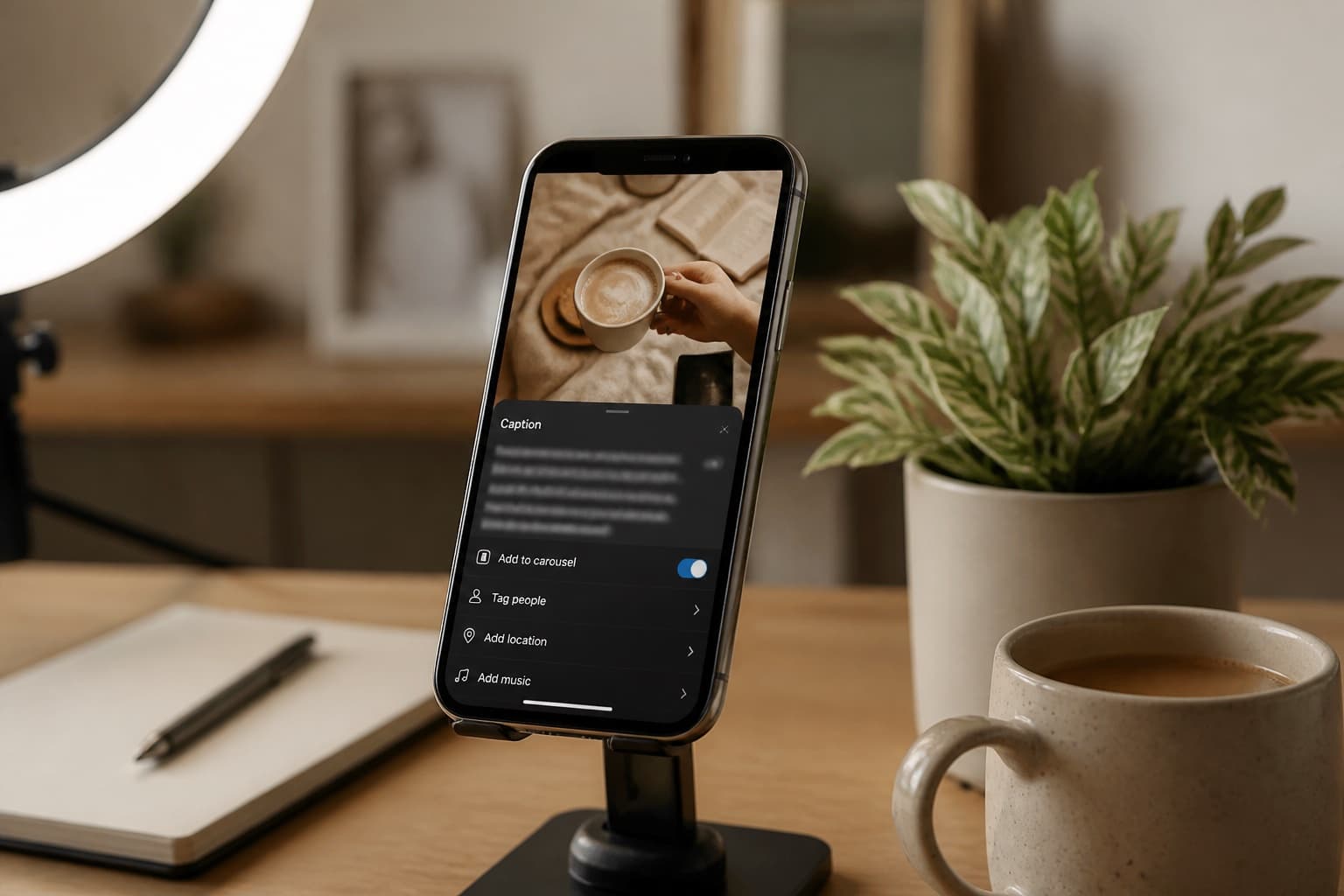
Instagram Captions That Don't Sound Like LinkedIn
ChatGPT Instagram captions read like mini press releases. One hook, one line of context, hashtags last. Not LinkedIn tone. Humanize after the photo story is true.
Instagram is photo-first, thumb-fast. ChatGPT writes captions like LinkedIn posts that lost their paragraph breaks: "I'm thrilled to share…" followed by three lessons and a gratitude list. Your followers came for the image, not a keynote.
Human Writes is the voice pass after what is in the frame is named. It is not a growth hack, and shorter beats longer here.
Different surface: LinkedIn posts and newsletters—longer arcs, professional context. This post is short captions for feed and reels.
Related: YouTube scripts, product marketing copy.
Instagram vs LinkedIn tone
| Instagram caption | LinkedIn post | |
|---|---|---|
| Length | 1–3 lines above fold | Multi-paragraph OK |
| Opener | Hook tied to visual | Context or contrarian take |
| CTA | Comment, save, link in bio | Connect, DM, hire |
| Emoji | Sparingly, on-brand | Often none |
| Guide | This post | LinkedIn guide |
If your caption could ship on LinkedIn with zero edits, it is probably too long and too formal.
What AI captions get wrong
| Pattern | Follower does | Fix |
|---|---|---|
| Press release opener | Scroll past | First line = what we see |
| Lesson trilogy | Feels like a ad | One feeling or one fact |
| Hashtag soup in prose | Reads spammy | Hashtags after line break |
| Fake vulnerability | Unfollow | Only share what the post shows |
| Brand-safe nothing | No comment | One opinion or question |
Captions are microcopy. Fluency without a hook is invisible.
Lock the photo story before ChatGPT
Write four lines by hand:
- What is in the image/reel (object, place, person—no inventing)
- One hook (joke, contrast, or "you would not guess…")
- One CTA (save this, tag a friend, link in bio for recipe)
- 3–8 hashtags you actually use (not 30 generic tags)
Prompt: "Write ≤80 words. No 'thrilled to announce.' No numbered lessons. Match this photo: [description]."
Before and after
AI caption:
I am incredibly grateful for this journey and the lessons it has taught me about resilience and growth. Here are three things I learned from this experience that I hope inspire you to pursue your dreams.
After photo locked + one humanize pass:
Burned the first batch. Kept the second. Recipe is in bio—yes, the ugly pan is on purpose.
Second version matches a food photo, not a conference stage.
Where Human Writes helps
| Element | Humanize? | Why |
|---|---|---|
| Hook line | Rewrite yourself | Must match visual |
| Body (1–2 lines) | One pass | AI adds LinkedIn weight |
| CTA | Check manually | Keep one ask |
| Hashtags | No | Discovery strategy |
| Alt text | Separate pass | Accessibility facts |
Paste body lines into Human Writes once. Keep under your brand line limit; trim manually after.
Workflow
- Select the photo; write the four-line skeleton.
- Draft in ChatGPT from the photo description—not "inspiring caption."
- Rewrite line one yourself.
- One Human Writes pass on lines 2–3.
- Hashtags after a blank line.
- Read on phone preview: does line one work without "see more"?
- Post; reply to comments in your voice—not AI.
For longer video scripts that pair with reels, see YouTube scripts.
What not to do
- Paste LinkedIn posts as Instagram captions.
- Invent stories the image does not support.
- Humanize until the caption exceeds three short paragraphs.
- Stuff keywords into the first line for SEO—this is not a blog post.
- Claim results ("10x growth") you cannot show.
Bottom line
Instagram captions win on a visual hook, short lines, and voice that is not LinkedIn. Human Writes is the trim pass after the photo story is true.
Paste stiff caption lines on Human Writes when line one makes sense without opening the comments lecture.