
Sapling AI Detector Guide: Who Buys It and What the Score Means
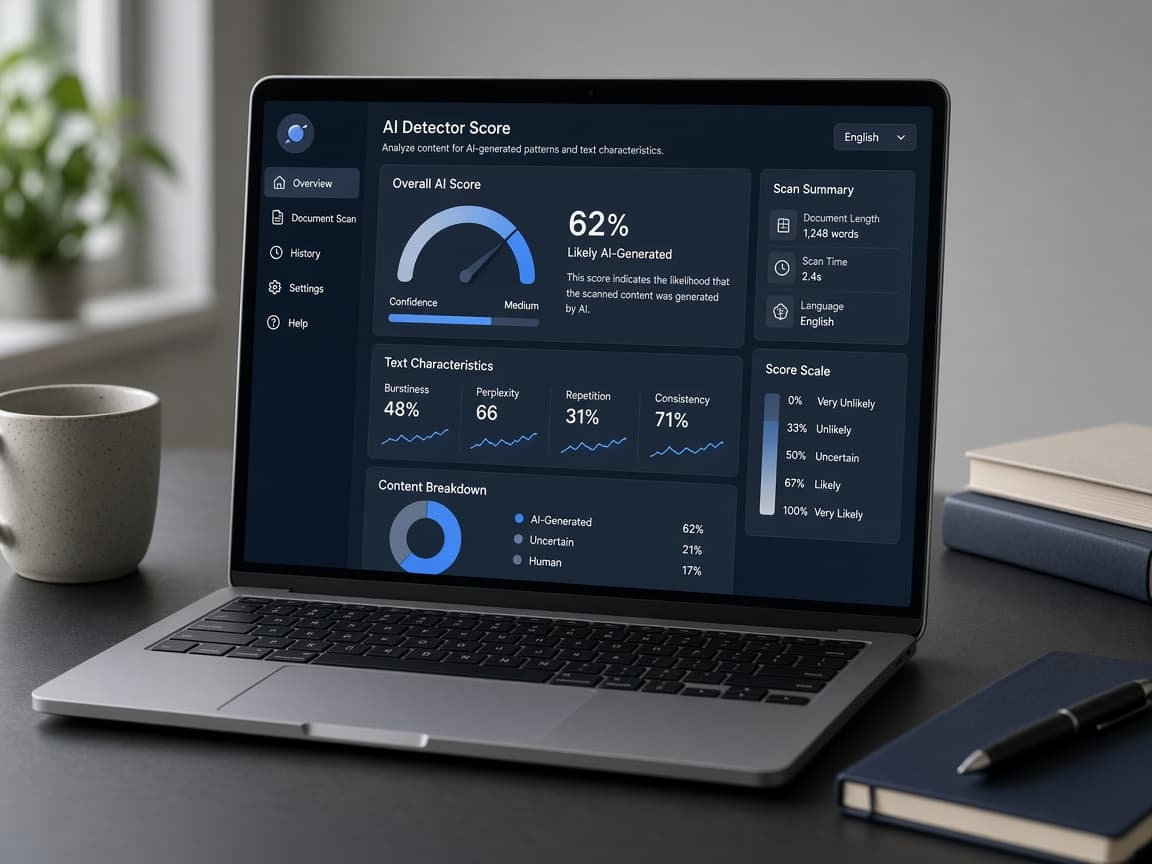
Sapling’s AI detector sits in a business and writing-assistant stack more than a student LMS. Who buys it, how to read the score, and why chasing a green number is the wrong job—Human Writes bias disclosed.
Sapling shows up in searches next to grammar tools and enterprise writing assistants, not next to Canvas upload panic. That buyer mix matters. If you treat Sapling like a Turnitin simulator, you will misread the score and waste time chasing percentages.
This guide covers who usually evaluates Sapling, what an AI likelihood signal is doing, and a sane workflow that does not include bypass tricks or “undetectable” promises.
Human Writes bias, stated up front: we sell a humanizer. We are not affiliated with Sapling. Our built-in score is for your editing process - not a guarantee on Sapling or any other third-party detector.
Related: GPTZero vs other detectors, Originality.ai guide, Scribbr student workflow, built-in score vs third-party.
Who buys Sapling (and why)
| Buyer | Typical job for the detector |
|---|---|
| Ops / internal comms | Spot raw LLM paste in policies or all-hands drafts |
| Support / success content | Keep help-center voice consistent; flag template sludge |
| HR / recruiting content | Review job posts or internal docs under company AI policy |
| Agencies / freelancers | Client asked for “an AI check” alongside grammar tooling |
| Students (secondary) | Occasional self-check; school LMS tools still win for official reports |
If your course says submissions go through Turnitin or another LMS plugin, that report is the one that matters for the grade - even when Sapling looks calm. Student-first self-check context: Scribbr guide.
What the score is (and is not)
Like peers, Sapling-style detectors estimate machine-like statistical patterns: uniform rhythm, predictable transitions, template conclusions. See perplexity and burstiness for the intuition.
| You see | Sensible response |
|---|---|
| High AI on text you did not write | Expected - rewrite with your facts |
| High AI on work you wrote | Check length, formality, templates; see false positives |
| Low AI on text you cannot explain | Process problem, not victory |
| Sapling low, client tool high | Normal disagreement - edit spans, do not average vendors |
Do not average Sapling, GPTZero, Originality, and Turnitin into one “truth.” Classifiers disagree. Overview: AI detection accuracy in 2026.
Sapling vs GPTZero vs Originality vs Turnitin (roles)
| Job | Better default |
|---|---|
| Official school submission | Whatever the LMS assigned (often Turnitin) |
| Quick student self-check | GPTZero or Scribbr-style free tools, then read the text |
| SEO / publisher SLA | Often Originality or Copyleaks when named in the brief |
| Writing-assistant adjacent team check | Sapling-style stack when already in the org’s toolkit |
Packaging, pricing, and exact feature names change. Verify on Sapling’s current site before you budget seats or promise a client a specific workflow.
How teams should brief writers
If you manage freelancers or an internal content pod, put the detector in the brief explicitly:
| Brief line | Why it helps |
|---|---|
| “We scan with Sapling in [mode / product surface]” | Ends surprise rejections |
| “Edit flagged spans; do not chase a %” | Stops rewrite loops |
| “Disclose AI assistance per company policy” | Separates voice polish from hidden paste |
| “Strip client secrets before any cloud tool” | Privacy before convenience |
Agencies that only say “must pass AI detection” create score shopping across GPTZero, Originality, and Sapling. Name the tool. Name the job. Then edit for readers. Agency scale habits: AI content at scale. Publisher context: AI detection for publishers.
Workflow that does not chase green scores
- Lock facts, quotes, and policy-safe claims by hand.
- Follow your school, employer, or client AI disclosure rules.
- Optional: one Human Writes voice pass on stiff prose if allowed.
- Re-read for accuracy - not for a target percentage.
- Optional: Sapling (or the detector your org named); edit flagged spans once.
- Submit or publish under the rules you already accepted.
We do not promise a Sapling score. Chasing green across vendors is the wrong goal. See ethical AI checklist.
What not to do
- Publish or submit because Sapling said “human” without reading the draft
- Run five rewriters until detectors disagree less
- Paste confidential HR, legal, or unpublished client work into a tool you have not cleared with security
- Use Sapling to accuse a coworker without a human review process
- Assume grammar suggestions and AI detection share one magic “Sapling pass” for every document type
Privacy note
Account-based detectors typically transmit text to the vendor to score it. Treat uploads like sharing with a vendor: strip secrets when possible, prefer org-managed accounts under a contract, and read the current privacy policy. Student privacy parallel: Does GPTZero save your work? and the broader Is GPTZero safe? student frame.
For HR policies, support macros, or unpublished launch copy, ask security whether Sapling (or any detector) is on the approved vendor list before you paste. A low AI score does not undo a data-handling mistake.
When Sapling is the wrong tool
| Situation | Better default |
|---|---|
| Graded essay in Canvas / LMS | School-assigned report (often Turnitin) |
| Client SLA names Originality Turbo | Pre-check Originality in that mode |
| You only need watermark Unicode cleanup | Watermark checker |
| You want to hide AI use | Do not - disclose per policy instead |
Tool shopping is fine. Score laundering is not. Accuracy caveats across vendors: AI detection accuracy in 2026.
Bottom line
Sapling’s detector is a team and writing-stack signal, not a school passport and not a license to hide AI use. Know who buys it, read the percentage as a smoke alarm, and edit for authorship. Human Writes helps voice after facts are locked - we do not sell Sapling bypasses.