
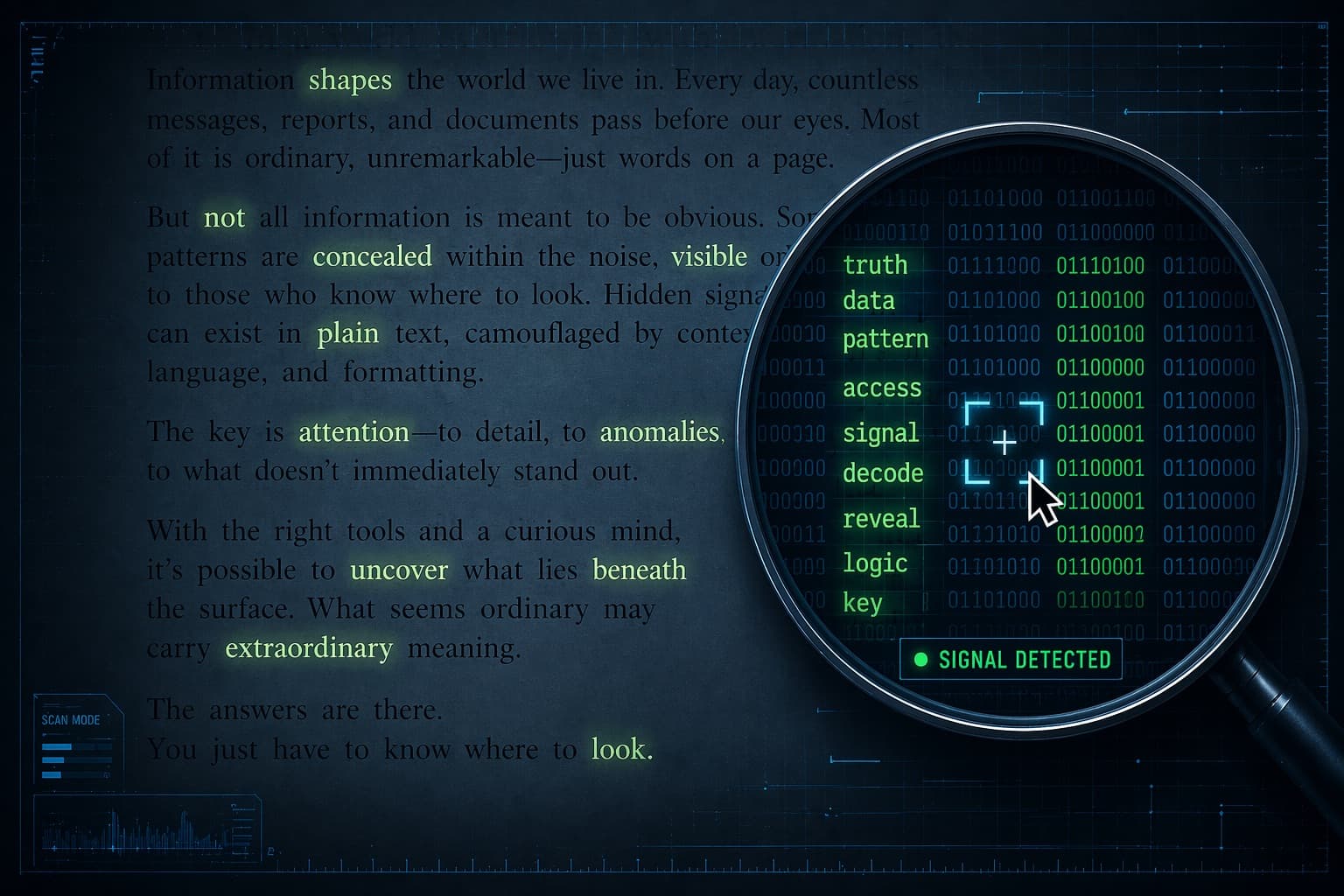
AI Invisible Watermark Checker: How to Detect Hidden Watermarks in AI Text
Invisible Unicode characters ride along when you copy AI output. Human Writes removes Unicode watermarks on scan and statistical Claude watermarks on humanize.
You pasted ChatGPT or Claude output into Google Docs. It looks clean. No odd spacing, no weird fonts. Then integrity software or a publisher's scan flags the file anyway.
Often the problem is not the words. It is what rides along between them: invisible Unicode characters that never show on screen but survive copy-paste into almost any editor.
Human Writes removes AI watermarks when you scan or humanize on the homepage. Continue from /watermark-checker to start.
What is an invisible AI watermark?
An invisible AI watermark is a signal embedded in generated text, designed to be undetectable by human readers but identifiable by automated tools. There are two main kinds:
- Unicode watermarks - zero-width spaces, soft hyphens, variation selectors and other non-printing characters inserted between visible letters.
- Statistical watermarks - subtle biases in word choice (including Claude token-level marks announced August 2026).
Both are invisible on screen. Copy-pasting AI output into Word or a CMS can carry these signals without the writer noticing.
For ChatGPT vs Claude differences: Claude vs ChatGPT Watermarks. Background: Understanding ChatGPT Watermarks.
Claude watermarks (August 2026)
Anthropic embeds statistical watermarks in new Claude models worldwide. These are not primarily zero-width characters. Human Writes removes Claude statistical watermarks when you humanize the draft.
Announcement explainer: Claude AI Text Watermarks Explained.
Why you might want to remove watermarks
- Academic work - invisible characters can trip integrity tools even when the ideas are your own.
- Professional writing - publishers and clients scan for AI signals.
- Clean text hygiene - hidden characters break search, formatting, regex, and code blocks.
- Privacy - removing watermarks reduces trivial fingerprinting back to the model.
How to remove AI watermarks with Human Writes
- Copy the text from ChatGPT, Claude, Gemini, or wherever it was produced.
- Open /watermark-checker and click Continue to Human Writes.
- Paste on the homepage and run scan (Human Writes removes Unicode watermarks).
- Run humanize once to remove statistical watermark signals (including Claude marks).
- Review the built-in AI score and copy clean output.
We process your text to remove watermarks and return results. We do not retain pasted content for any other purpose.
Unicode watermarks vs. statistical watermarks
| Type | What it is | Human Writes scan | Human Writes humanize |
|---|---|---|---|
| Unicode watermark | Zero-width spaces, soft hyphens, BOM, etc. | Removes | Also removes |
| Statistical watermark | Biased token/word choice (Claude Aug 2026) | Shows AI score | Removes |
Pair scan + humanize for full cleanup. Manual polish guide: natural AI writing techniques.
What Human Writes removes (Unicode list)
- Zero-width space (U+200B)
- Zero-width non-joiner (U+200C)
- Zero-width joiner (U+200D)
- Word joiner (U+2060)
- Soft hyphen (U+00AD)
- Variation selectors (U+FE00 - U+FE0F)
- Left-to-right and right-to-left marks (U+200E / U+200F)
- Byte order mark / ZWNBSP (U+FEFF)
- Other non-printing formatting characters commonly used as covert channels
Limitations to be aware of
- Heavily edited statistical watermarks may already be weakened before you paste.
- Model updates can change marking behavior.
- False positives are possible for legitimate special characters (soft hyphens in typeset docs).
- No tool proves authorship either way. Follow disclosure rules at your school or job.
Detector context: GPTZero vs. other detectors. EU policy: EU AI Act Watermarks for Writers and Students.
Remove watermarks now
Continue from the watermark checker, paste on Human Writes, scan and humanize, then copy clean text.
Related articles
- How to Remove Claude Watermarks
- How to Detect Claude Watermarks
- Understanding ChatGPT Watermarks
- Natural AI Writing: 6 Techniques That Work
- GPTZero vs. Other AI Detectors: Complete Comparison 2026
Human Writes removes AI watermarks - 300 free words, no credit card.