
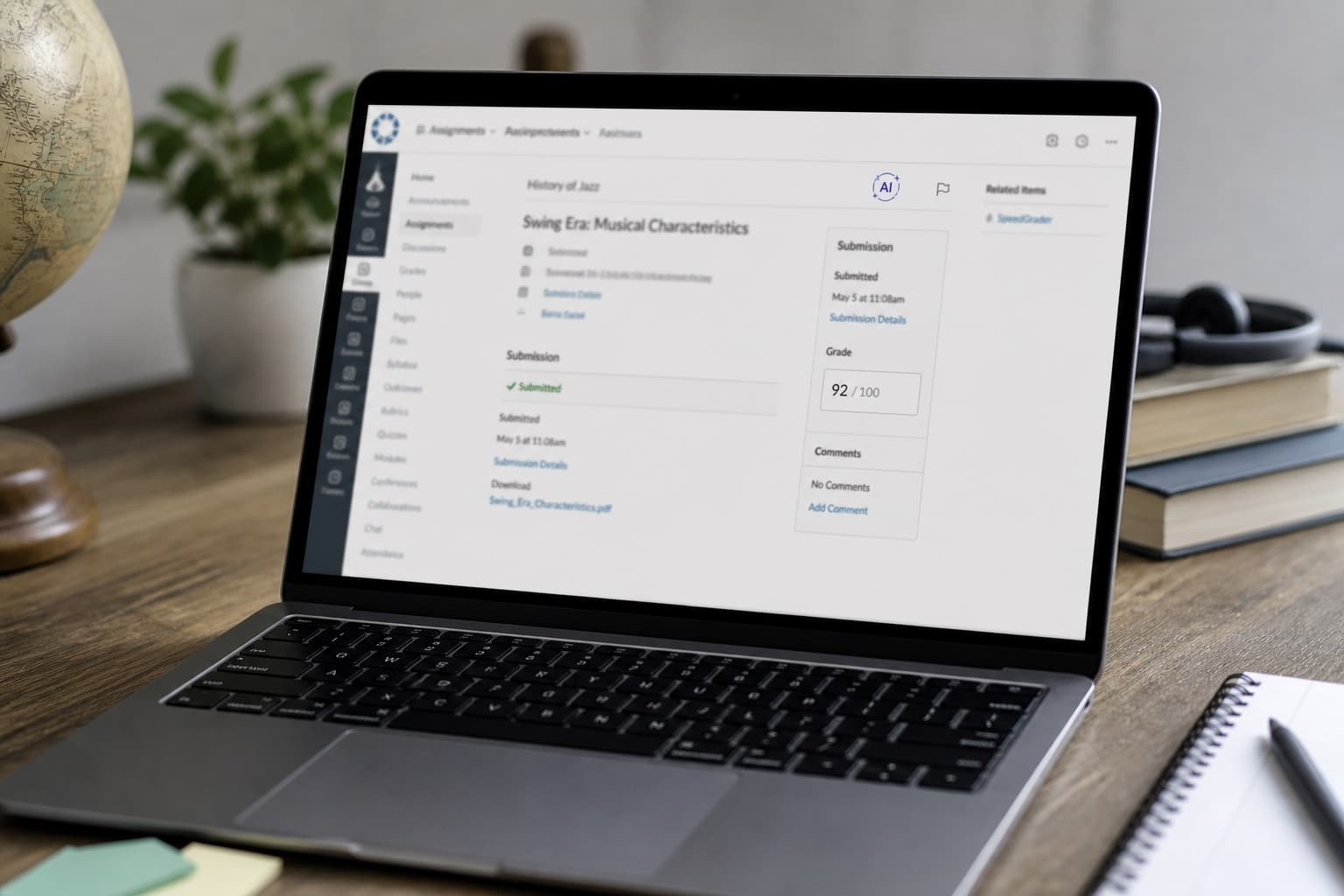
Canvas AI Detection Without Turnitin: What Native LMS Flags Mean
Not every Canvas school uses Turnitin. Some rely on native LMS flags, third-party plugins, or instructor judgment. Learn what runs behind Submit–and what humanizing does and does not change.
Students assume Canvas and Turnitin are one button. Many schools never bought Turnitin–or bought it only for similarity, not AI.
Others added native LMS flags or a different vendor plugin that shows up beside the gradebook. The upload screen still says Canvas. The report might say something else entirely.
This guide covers what runs when Turnitin is not in the stack, and how that differs from the Turnitin-on-Canvas workflow students search more often.
Turnitin on Canvas: does Turnitin detect ChatGPT in Canvas. Core mechanics: Turnitin AI detection explained. Short posts: humanize AI discussion posts.
Three layers behind Submit
| Layer | What it does | Student-visible? |
|---|---|---|
| Canvas (LMS) | Stores file, due date, rubric | Always |
| Optional detector | Turnitin, Copyleaks, native flag, etc. | Depends on school |
| Instructor | Policy, prior work comparison, oral follow-up | After grading |
Canvas alone does not detect AI. Something else must be plugged in–or the instructor reviews without a score.
Turnitin vs native LMS flags
| Turnitin (when enabled) | Native / other LMS flags | |
|---|---|---|
| Typical reports | Similarity + optional AI writing % | Varies; often AI-only or opaque label |
| Student view | Often shows similarity; AI may be faculty-only | Policy-dependent; some schools hide scores |
| Short posts | Noisy on discussions under ~300 words | Same noise problem |
| Appeal path | Documented at many universities | Ask writing center or dean of students |
Do not read a green similarity bar as an all-clear on AI. Do not assume no Turnitin icon means no review at all.
What you might see without Turnitin
| Signal | What it might mean | What it is not |
|---|---|---|
| "AI indicator" or similar label | Third-party or bundled estimator | Proof you cheated |
| No percentage after submit | Detector off or faculty-only | Proof you were not reviewed |
| Instructor comment on voice | Compared to your prior posts | Automatic Canvas scan |
| Honor-code referral | Human or tool flag + policy | Always accurate |
Check the assignment instructions and your school's AI policy page. IT help desks can confirm which tools are active this term.
Short vs long Canvas work
| Assignment type | Detector behavior | Instructor behavior |
|---|---|---|
| Discussion reply (150 words) | High variance; thin sample | Compares to your earlier threads |
| Weekly journal | Medium; voice drift visible | Looks for sudden polish |
| Essay (1,500+ words) | Stronger statistical signal | Still not a courtroom |
Short work needs your consistent voice, not a rewriter loop. See humanize AI discussion posts.
Before and after: student assumptions
Assumption:
We do not use Turnitin, so Canvas does not check AI. I can paste ChatGPT and submit.
Clearer model:
Canvas is the dropbox. My school may use a native AI flag, another vendor, or instructor review only. I follow the syllabus, keep facts true, and disclose AI if required. Humanizing is a voice pass on my own work–not a guarantee about any score.
Workflow for Canvas assignments (any detector stack)
- Read the syllabus AI and disclosure rules.
- On submit, note whether similarity, AI, or neither appears.
- For drafts, lock facts first; use AI for structure only if policy allows.
- One humanize pass on prose you own–do not invent sources or data.
- If flagged, gather drafts and timestamps; see Turnitin false positive appeal for process patterns many schools share.
- Ask the instructor what tool ran if the report is unclear.
What humanizing does not do
- Hide plagiarism or missing citations.
- Replace disclosure when the honor code requires it.
- Fix an essay with no specifics that matches every other ChatGPT draft.
- Override an instructor who knows your prior writing.
Human Writes helps when you have true content that sounds like template prose–not when you need to evade review.
Bottom line
Canvas without Turnitin is still not a free pass. Native LMS flags, other vendors, and instructor judgment all sit behind the same Submit button. Know what your school runs, write in your voice, and treat any score as a conversation starter–not a verdict.
For voice work on your own draft after facts are locked, use Human Writes–and follow your course AI policy first.