
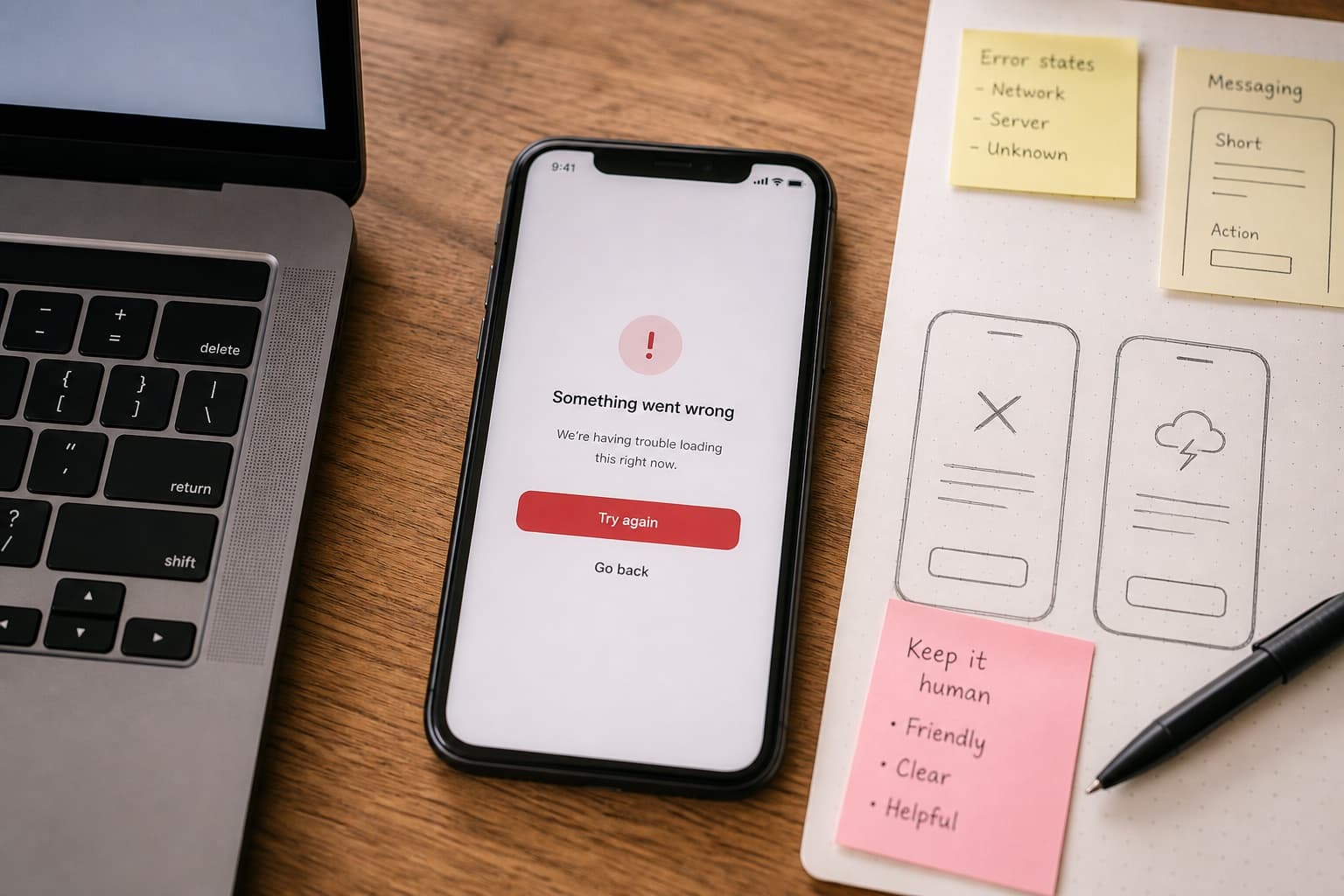
How to Humanize In-App Error Messages After ChatGPT
ChatGPT error copy apologizes in paragraphs and hides the next action. Lock error code, user state, and one fix path from engineering first. Humanize explanation—not codes, URLs, or button labels.
In-app error messages are read while something is broken. The user is not browsing your marketing site—they are staring at a red banner between a half-filled form and a meeting that starts in four minutes.
ChatGPT error copy opens with empathy paragraphs, lists five possible causes your app does not have, and never names the next action. Support tickets follow.
Human Writes is the voice pass after engineering locks the error code, user state, and primary fix. It does not replace UX research or QA.
Related: knowledge base articles, support macros, onboarding copy (first-run success paths, not failure states), best practices for humanizing.
What product and support teams punish
| Element | Weak AI error copy | Strong in-app message |
|---|---|---|
| Headline | "Something went wrong" | "Export failed—file too large" |
| Cause | Vague "technical difficulties" | One likely reason tied to state |
| Next action | "Try again later" | Primary button: "Compress and retry" |
| Code | Missing | SYNC_402 for support lookup |
| Length | 120 words | Often 1–2 sentences + CTA |
Errors are microcopy with accountability. Warmth without a verb wastes the only screen the user will read.
Next action before any model
Build an error fact row from staging or a resolved ticket:
| Field | Example |
|---|---|
| Error code | EXPORT_SIZE_LIMIT |
| Trigger | User uploads CSV > 25 MB on Pro plan |
| User state | Logged in, export modal open |
| Primary fix | Reduce file or upgrade plan |
| Primary CTA | Button label: "Choose smaller file" |
| Secondary | Link: "Plan limits" → /pricing#limits |
| Support hook | "Include code EXPORT_SIZE_LIMIT in ticket" |
Prompt: "Write a two-sentence error for this row. Sentence 1: what happened. Sentence 2: next action. No new causes or buttons."
Error message vs toast vs empty state
| Surface | When | Next action rule |
|---|---|---|
| Blocking error | Action failed | One primary CTA |
| Toast | Non-blocking warning | Optional dismiss + one link |
| Empty state | No data yet | Onboarding action, not apology |
| Inline field | Validation | Fix the field, name the rule |
Do not paste KB-length troubleshooting into a modal. Link out when the inline fix is not enough.
Humanize scope
| Element | Humanize? | Why |
|---|---|---|
| Error codes | No | Support and logs depend on them |
| Button labels | No | QA snapshots match strings |
| URLs and deep links | No | Routing breaks |
| Headline + body prose | After fact row locked | Fixes robotic apology stacks |
| "Contact support" line | Light pass | Must include code or session hint |
Use Article or General Writing purpose in Human Writes—scannable clarity, not marketing adjectives.
Before and after
AI error copy:
We apologize for the inconvenience. An unexpected error has occurred while processing your request. Our team is working hard to resolve this issue. Please try again later or contact support if the problem persists.
After fact row + one pass:
Export failed—file over 25 MB on Pro. Choose a smaller CSV or split the upload. Need a higher limit? See plan limits. Support code:
EXPORT_SIZE_LIMIT.
Second version has a limit, verb, and code.
Workflow
- Pull error strings from the codebase or design system—not memory.
- Reproduce in staging; record the fix that worked.
- Draft headline + one sentence + CTA labels from the fact row.
- Design review for truncation on mobile.
- One Human Writes pass on body prose; restore codes and buttons exactly.
- QA: trigger the error again; click the CTA path.
- Link the KB article for when the primary fix fails.
What not to do
- Blame the user ("You entered invalid data") without naming the rule.
- Humanize until error codes change spelling.
- Stack three CTAs with equal weight.
- Paste production stack traces into consumer chatbots.
- Copy marketing tone into a payment failure modal.
Bottom line
In-app errors win on one next action: what broke, what to click, what code to cite. Human Writes polishes explanation after engineering locks the path.
Paste stiff error body copy on Human Writes when every code matches the build QA tested.