
How to Humanize Sanity CMS Copy
Sanity stores content as structured documents used across sites and apps. How to write Sanity fields and Portable Text that read naturally everywhere.
Sanity is a headless content platform popular with development teams and digital agencies. Content lives in structured documents with fields defined by developers, and Sanity Studio, the editing interface, is customised for each project. The same content can appear on a website, an app, in emails and elsewhere. Writers fill in fields rather than designing pages, and AI features can fill those fields instantly. The risk is copy that reads like filler wherever it appears: "Experience the next generation of innovation, crafted to empower and inspire."
This guide covers how to write for Sanity so content works well across every place it appears.
Learn your Studio
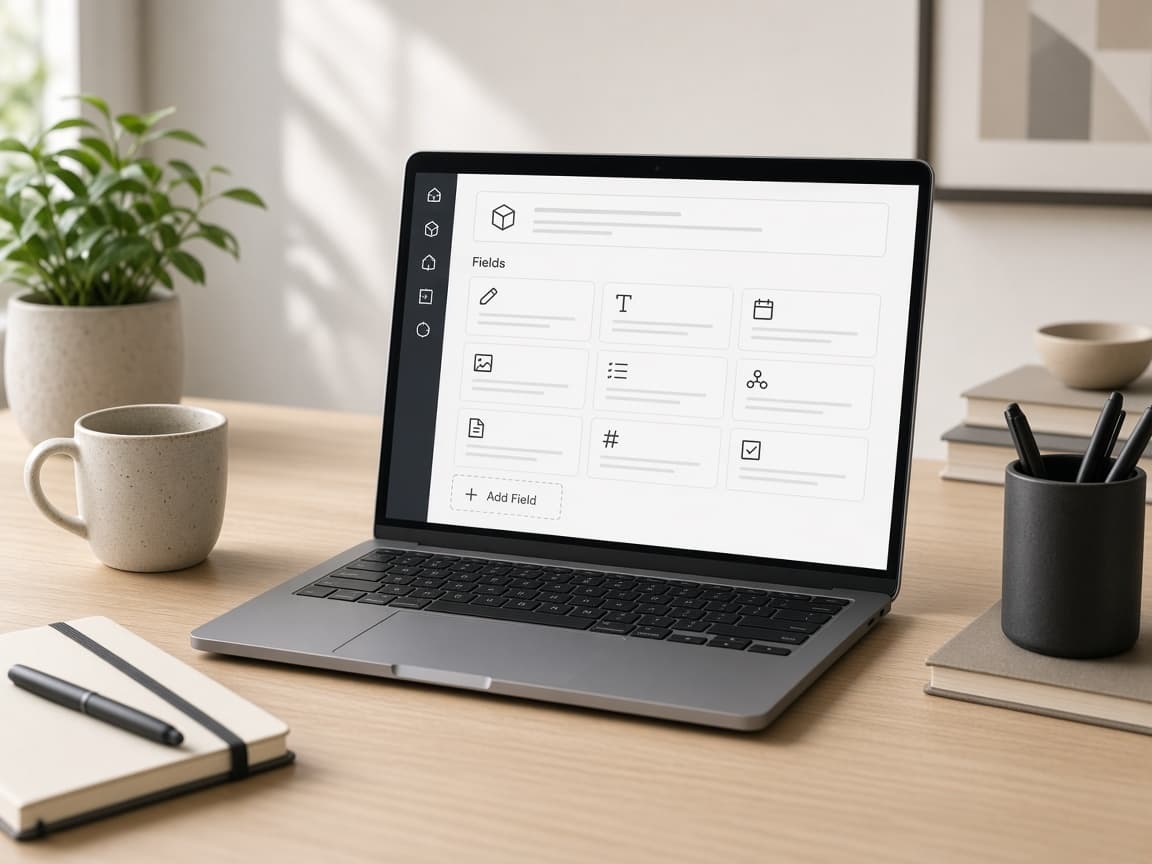
Every Sanity Studio is different, configured with document types and fields for that project. Ask for a walkthrough: which document types exist, what each field is for, which are required and where they appear. Many Studios include descriptions on fields; read them.
Know where content appears
Sanity content is often reused. A product summary might appear on the product page, in listings and in an app. Ask developers for screenshots or a preview setup. Write each field so it works in every context.
Write standalone fields
Fields should make sense without surrounding text. Here is a typical AI field:
As highlighted above, this innovative feature empowers users to achieve more in less time.
And a standalone one:
Export any report to a spreadsheet in one click, with your filters kept.
The second works wherever it appears. (The feature is illustrative.)
Use Portable Text well
Sanity's rich text format, Portable Text, stores headings, lists, links and embedded content as structured data. Use headings and lists for structure, not visual effect, and use the embedded blocks the team has defined, such as callouts or images, consistently.
Respect validation and limits
Developers often add validation, such as character limits or required fields. Write within them. If limits are too tight for the message, raise it with the team.
Keep voice consistent
Many people may write in the same Sanity project. A short voice guide with examples, and consistent use of shared documents like calls to action, helps content feel unified. Our guide to humanizing a brand voice guide can help.
Write SEO fields deliberately
Many Sanity projects include SEO fields for titles, descriptions and social sharing. Write them for search and sharing, rather than copying headlines.
Use AI features carefully
Sanity's AI features can draft, translate or transform content. Review output for accuracy, voice and fit with each field's context. Generic AI text becomes more visible when reused across many pages.
Collaborate with developers
Headless projects depend on collaboration. Tell developers if a field does not suit the content, if previews are missing or if editors need guidance in the Studio. Small changes can make writing much easier.
Using AI sensibly
AI can help draft variations, translations or summaries. Write key messages yourself, check facts and preview in context. If copy still reads generically, a tool like Human Writes can help it read naturally. For related guides, see humanizing Contentful website copy, headless CMS vs WordPress for copywriters and Contentful vs WordPress for copywriters.
Real-time collaboration
Sanity supports real-time collaboration: several people can edit at once and see each other's changes. Agree who is working on which documents, and use comments to discuss changes. Real-time editing is convenient but can lead to confusion if roles are unclear.
Drafts, releases and history
Sanity keeps drafts separate from published content and records document history. Some projects use scheduled publishing or content releases to group changes. Learn your project's workflow, and check drafts before publishing. History lets you see who changed what and restore earlier versions.
References and reuse
Sanity documents can reference other documents, such as an author, a category or a shared call to action. Edit shared documents with care, because changes appear everywhere they are referenced. Name shared documents clearly so editors know what they are changing.
Localisation
Sanity projects handle multiple languages in different ways, depending on configuration. Ask how translations are stored, who reviews them and whether each language has its own SEO fields.
Auditing content
Over time, Sanity datasets accumulate unused or outdated documents. Periodically review content for accuracy, duplicates and consistency. Developers can help by building queries that list documents without recent updates.
A worked example
A software company's Sanity project had a "feature" document type used on the website, in the app's onboarding and in sales emails. AI-generated summaries such as "Unlock powerful capabilities to elevate your workflow" appeared in all three places. The team rewrote each summary as a single concrete benefit under 80 characters and added field guidance in the Studio. Product managers said the onboarding screens finally explained what each feature did.
Field descriptions as guidance
Writers can ask developers to add descriptions and examples to fields in the Studio, such as "Shown on product cards; 80 characters max; start with the benefit". Good field guidance helps every future editor write consistently, and it is one of the cheapest ways to improve content quality across a project.